At a glance
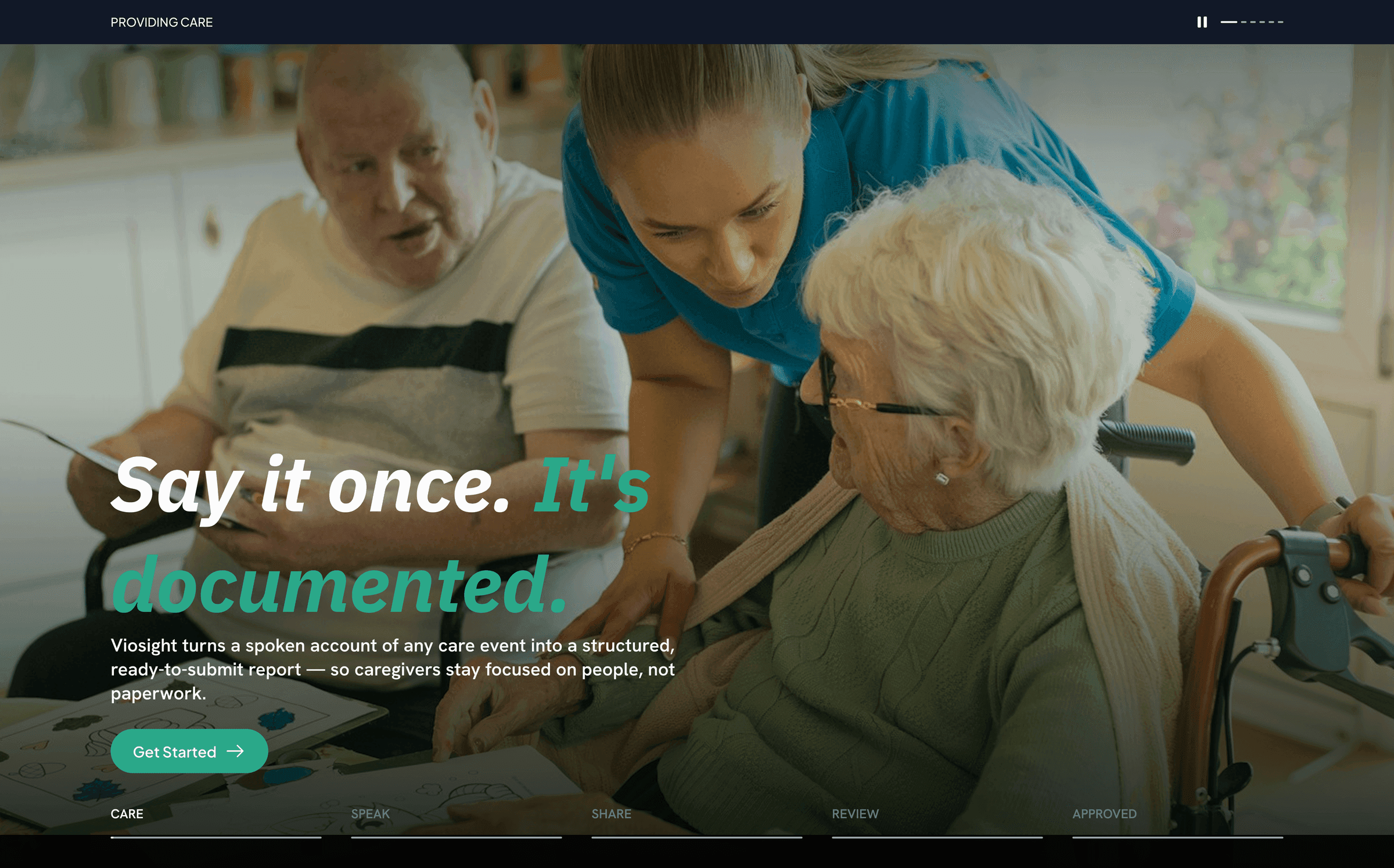
- What it is: a platform that lets care staff in residential and foster care programs speak their reports. Audio is transcribed live, AI turns the transcript into a structured report, and supervisors review, send back, and finalize it.
- My role: I joined Novrupt as the only frontend engineer and built the mobile app and web app. Later I took over the backend as well. Today I own Voisight end to end.
- Where it is now: live on the App Store, Google Play, and the web at app.voisight.com. Staff record every report by voice. The only time they type is when they edit.
The problem
Care staff write a lot of paperwork: shift progress notes, incident reports, serious incident reports. These are compliance records about children in care. They have to be accurate, complete, reviewed by a supervisor, and never lost or silently changed.
Typing long, structured forms on a phone at the end of a demanding shift is slow, and the quality varies. Voisight's idea is simple: staff speak, the system writes, supervisors review.
That puts some hard requirements on the engineering:
- Voice has to stream in real time, on phones and in browsers.
- Every record must stay isolated between organisations and facilities.
- Sensitive data about minors has to be handled carefully everywhere, including logs, error reports, file names, and emails.
- The review loop (submit, send back, finalize, amend) needs a full audit trail.
My role, and how it changed
I didn't start as the person who owns everything. It grew in three stages.
- Mobile (April to July 2026). I built the React Native app from an empty repository, as the only engineer on it, and shipped it to both app stores about six weeks after the first commit.
- Web (July 2026). I ported the app to a Next.js web app, and used the port as a chance to fix, by design, the weaknesses I'd found in the mobile app.
- Backend (September 2026 to now). When the backend engineer moved to other responsibilities in the organisation, I took over the production FastAPI service on AWS. I'd been consuming that API for months. Now I was maintaining it.
That path shapes the rest of this story. I came to the backend as someone who knew exactly how the clients used it, which turned out to matter.
Part 1: the mobile app
Decisions that shaped it
- Expo and React Native, so one codebase could ship to iOS and Android.
- A validated API boundary. Every response from the backend goes through a Zod schema, and wire formats (snake_case) are converted into app types at the edge. If the backend changes shape, the app reports a clear schema error instead of crashing somewhere deep in the UI. Lists are validated item by item, so one bad row is dropped and reported rather than blanking the whole screen.
- TanStack Query for server state, Zustand for the rest. The HTTP client talks to the auth store through a small bridge set up at startup, which avoids a circular dependency between the network layer and React.
- Unfinished reports live in memory only. A half-written report about a child doesn't survive an app restart on purpose. Once the report exists on the server, edits autosave. Losing a draft after a crash is a real cost, and I chose it over leaving sensitive care data on a device.
Streaming voice from a phone
The backend expects raw 16-bit PCM audio at 16 kHz, streamed over a WebSocket to AWS Transcribe. The standard Expo audio APIs record to files, not to a live stream, so I used a native module that emits raw audio frames.
Frames go out every 100 ms. That's small enough to keep latency low and large enough to avoid flooding the bridge between JavaScript and native code. Partial transcripts stream back and appear on screen as the person speaks. Staff can pause, keep recording, or edit the text, and new audio appends to exactly what they see.
Bug: users signed out about an hour after signing in
Sessions were being wiped and users sent back to the sign-in screen.
The cause: I stored the whole Cognito session (three tokens, about 1.5 KB each) as a single item in the iOS Keychain. The Keychain's practical limit per item is about 2 KB, and oversized writes are silently truncated. The next read failed validation, and the app did the safe thing: it cleared the session.
The fix: store each token under its own key, validate on every read and write, and migrate old installs by deleting the legacy single-item key.
Bug: every date showed up as a raw string, but only on phones
In tests, dates looked fine. On real devices, cards showed strings like 2026-05-14 09:12:33.123456+00.
The cause: the backend returned Postgres-style timestamps (a space instead of T, microseconds, a two-digit offset). Node's JavaScript engine parses those leniently. Hermes, React Native's engine, follows the spec strictly and rejects them.
The fix: one function normalises backend timestamps before anything formats them. Months later it caused a second bug: date-only values like a date of birth lost a day, because 2012-03-15 ended in something that looked like a -15 timezone offset. Date-only values are now detected first and parsed as local midnight, so a birthday never moves.
Bug: staff landed on the wrong screen after submitting
After submitting a report, staff sometimes ended up back on "choose a report type" instead of the success screen.
The cause: earlier screens in the report wizard stay mounted in the background. Each had a guard: if there's no report type, go back to the start. Submitting cleared the report type, the background screens' effects ran again, and they took over navigation.
The fix: run those guards only when the screen is actually in focus (useFocusEffect instead of useEffect).
Part 2: the web app
In July I ported the mobile app to Next.js. I kept the folder structure the same as the mobile app, and shared design tokens and validation logic, so the two codebases stay easy to compare. When a feature ships, the same logic can go to both. The date-range export shipped to mobile and web on the same day from one shared module.
Keeping tokens out of the browser
On web, authentication tokens never reach JavaScript. The Next.js server acts as a backend-for-frontend: the browser only talks to its own origin, tokens live in httpOnly cookies, and a small signed session cookie lets the route guard decide where to send someone without a network call. The cost is an extra hop on every API call and more server routes to maintain. For an app handling records about children, that's worth it.
Recording raw audio in a browser
The browser's standard recorder (MediaRecorder) only produces compressed formats like WebM/Opus. The backend needs raw PCM at exactly 16 kHz, and browsers don't reliably honour a requested sample rate.
So I wrote a small AudioWorklet that runs on the audio thread. It resamples whatever rate the browser gives it down to 16 kHz, converts to 16-bit samples, and posts fixed 100 ms chunks. Before building the feature, I tested the approach with a headless browser, a fake microphone, and a mock server: 25 frames, every one exactly 3,200 bytes, about 99 ms apart.
Bugs that only real browser tests caught
Two bugs worked perfectly on mobile and broke on web, because Next.js runs React's Strict Mode, which deliberately runs effects twice in development:
- The "generating report" screen stayed on its spinner forever. A cleanup flag was cancelling the only real request.
- Stopping a recording threw "transcription not started". A reference was set before an
await, and Strict Mode's cleanup wiped it.
Type checks, the linter, and unit tests all passed. Playwright tests running the real app found both.
Fixing problems by design
Before the port, I audited the mobile app and wrote up what I found. The biggest problem: failures were invisible. A failed request looked like "No reports yet", stat tiles showed 0 while loading and on error, and nothing offered a retry.
On web, I made that impossible to repeat. Every data view goes through one component that must handle loading, error with retry, empty, and data, and a test proves stat tiles never show a bare 0. Then I brought the same foundations back to mobile: real error and empty states, error boundaries per screen, and a single place to report errors.
Part 3: taking over the backend
Getting up to speed
The backend had one main author before me. Before touching anything, I read it end to end and wrote myself an onboarding guide: how requests flow, how auth works, how reports move through their lifecycle, and where the sharp edges were. Then I started with small, safe fixes.
The first thing I fixed: a production error that rolled back everything
A user reported that submitting a report failed. The production logs confirmed it: submitting, sending back, or finalizing any report with an incident date returned a generic 500 error.
The cause: the incident date is stored as text, but code in the email step called a date method on it as if it were a date object. The error escaped the handler, and because each request runs in one database transaction, the status change, the audit log entry, and the notifications were all rolled back. It wasn't just a missing email. The whole action failed, and retrying failed the same way. The bug had been in the codebase for about four months.
The fix: one helper that formats the date when it can, and falls back to the raw text instead of throwing, used at every call site. I verified it in production after deploying.
A lesson from real data
One of my next tasks was filtering bulk report exports by date range. It passed every local test, then matched almost nothing in production.
My test reports had an incident date because I created them by hand. The mobile app, as I already knew from building it, never sends one. In production that field was empty on nearly every report. The fix was to filter on an "effective date", the incident date if present and otherwise the date the report was created. The real lesson: tests are only as good as how closely their data matches production.
Resident registry and document vault
My first large backend feature changed how reports refer to children. Reports used to hold hand-typed initials. Now they reference a registry of residents, and each resident, staff member, and facility has a document vault.
A few decisions I'm proud of:
- Privacy by construction. Reports still store only initials, copied from the registry, so full names never reach a report, an export, or a file name. Storage keys contain IDs only, and emails show initials only.
- One permission matrix. Who can see, upload to, or manage each vault is decided by three small functions, and every route goes through them. That's easy to read, audit, and test.
- 404, not 403. Asking for a document in another facility returns "not found", so nobody can learn that an ID exists somewhere else.
- Don't trust the file. Uploads are checked by their actual bytes (PDF, JPEG, PNG, Office formats), not by the name or type the client claims.
- Delete with approval. Owners can delete. Everyone else creates a request that someone above them must approve, and nobody can approve their own. Every change and every download is audit-logged in the same transaction as the action.
- A careful breaking change. Switching reports to registered residents changed the API, so I wrote release notes and an integration checklist for the app side and shipped both together.
The registry and vault are live on the backend and mobile app, and I'm now building them into the web app.
How I work
I use AI tools throughout: to plan work, to review changes, and to verify them. I own the architecture, the decisions, the debugging, and what ships, and I properly review any code I didn't write myself before it's merged. On Voisight that meant written plans approved before changes, feature branches, and device-testing checklists for every release.
Results
- The mobile app is live on the App Store and Google Play, and the web app is in production at app.voisight.com.
- Staff record every report by voice. They type only when editing.
- I went from the only frontend engineer to owning the whole product: mobile, web, and backend.
- 478 unit tests on mobile, 126 on web, and 36 end-to-end browser tests, all passing.
What I'd do differently
- Error reporting from day one. Neither app had crash or error reporting in production at first, so issues came to us through users. I'm setting up frontend logging now.
- Tests in CI, and on the backend. Tests run locally but don't gate merges, and the backend has no committed test suite yet.
- Proper types for dates and statuses. Several backend bugs, including the one that rolled back submissions, came from dates and statuses stored as plain text.
- Feature isolation earlier. I introduced self-contained feature modules later in the project. Starting that way would have saved refactoring.